
If you check email in a browser, keep files in Google Drive or Dropbox, or take card payments through an online dashboard, your business already runs on the cloud. Most owners just never had a reason to name it.
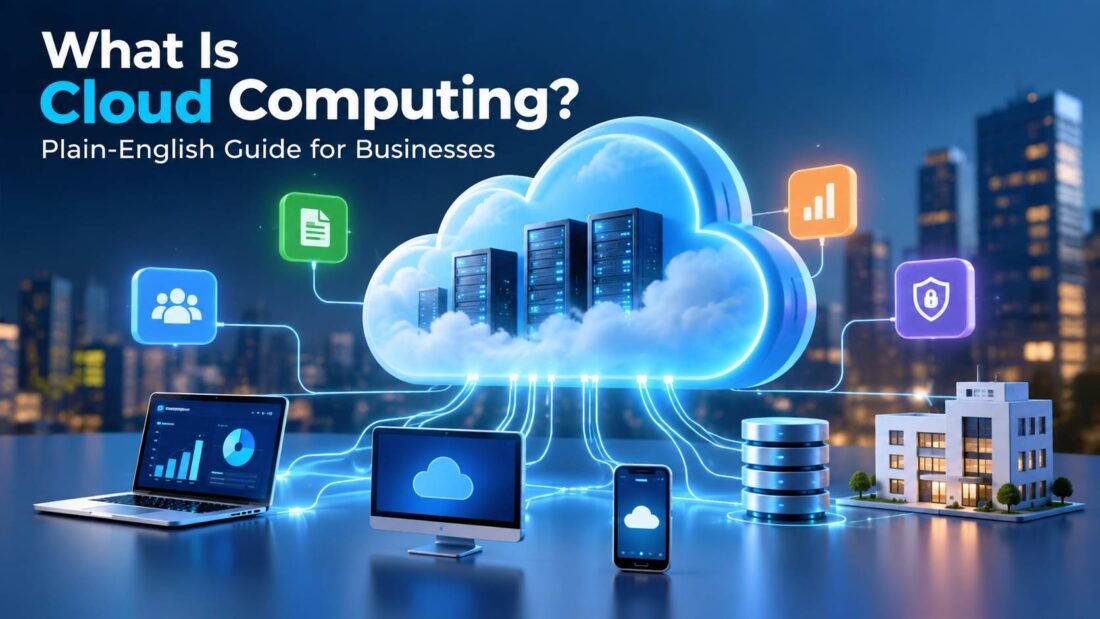
Cloud computing is renting computing resources (servers, storage, databases and software) from a provider over the internet, instead of buying and running that equipment yourself. You pay for what you use, the provider keeps the hardware running, and you reach everything through a browser or an app.
That one-sentence definition hides a lot of practical decisions, so the rest of this guide walks through how it works, the different types, what it costs and how to decide what to move first.
How cloud computing works
A cloud provider owns large data centers full of servers. Software called a hypervisor splits each physical machine into many virtual ones, so thousands of customers can share the same hardware without seeing each other’s data.
When you sign up for a cloud service, you are given a slice of that pool. Need more storage next month? The provider assigns more. Running a sale that triples your website traffic for a weekend? Extra capacity can be switched on for those two days and switched off again on Monday.
The US National Institute of Standards and Technology wrote the definition most of the industry still uses. In NIST Special Publication 800-145, it lists five traits a service needs before it counts as cloud computing:
- On-demand self-service: you can set up resources yourself, without calling anyone.
- Broad network access: you reach the service over the internet from laptops, phones and tablets.
- Resource pooling: many customers share the provider’s hardware.
- Rapid elasticity: capacity grows or shrinks quickly to match demand.
- Measured service: usage is metered, and you are billed for it.
A server sitting in your back office meets none of these. A shared hosting plan that bills a flat fee and never scales meets only some of them. That is why “cloud” on a sales page does not always mean the same thing.
The three main service types
Cloud services are usually sorted by how much of the technology the provider manages for you.
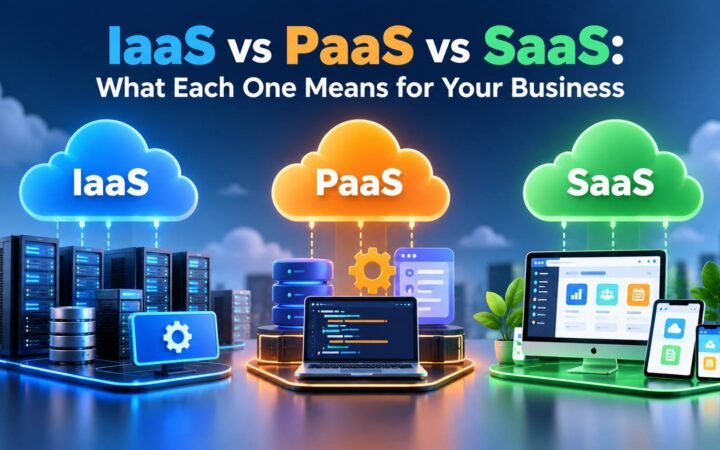
Software as a Service (SaaS)
Finished software you log into and use. Gmail, Microsoft 365, Slack, QuickBooks Online and Shopify are all SaaS. The provider handles everything underneath. Most small businesses spend most of their cloud budget here without thinking of it as “cloud”.
Platform as a Service (PaaS)
A ready-made environment for running your own code. Developers upload an application and the platform takes care of servers, operating system updates and scaling. Heroku and Google App Engine are common examples.
Infrastructure as a Service (IaaS)
Raw building blocks: virtual servers, storage and networks. You install and manage the operating system and software yourself. Amazon EC2, Azure Virtual Machines and Google Compute Engine fall here. It gives the most control and asks the most of you.
A simple test: if you would need to hire a developer or system administrator to use it, it is probably PaaS or IaaS. If you can sign up with a credit card and start working the same afternoon, it is SaaS.
Public, private and hybrid cloud
Separate from the service type is the question of who shares the hardware.
- Public cloud: the provider’s hardware is shared among many customers. AWS, Microsoft Azure and Google Cloud are the largest. This is what nearly every small business uses.
- Private cloud: the cloud setup is dedicated to one organization, either in its own data center or hosted by a provider. Banks and hospitals use it when rules require tight control.
- Hybrid cloud: a mix, such as customer records on a private system and the public website on the public cloud.
Why small businesses move to the cloud
Lower upfront cost
Buying a server means paying for the hardware, a backup system, a place to keep it cool and someone to fix it. With cloud services, that becomes a monthly bill. The money you would have spent on equipment stays in the business.
Working from anywhere
Files and software live online, so a salesperson on the road sees the same customer record as the person in the office. This became the default for many teams after 2020 and has stayed that way.
Someone else handles maintenance
Security patches, hardware failures and software upgrades are the provider’s job. For a five-person company with no IT staff, that alone is often the deciding reason.
Capacity that matches the season
An online store that sells most of its stock in November does not need November-sized servers in March. Cloud resources can follow demand up and down.
The downsides you should know about
The cloud is not automatically cheaper or safer. A few common problems:
- Bills that creep up. Usage-based pricing is easy to start and easy to lose track of. Unused virtual servers and forgotten storage keep charging every month.
- Internet dependence. If your office connection drops, so does access to cloud tools. A backup connection, such as a phone hotspot, is worth having.
- Lock-in. Moving years of data from one provider to another takes effort. Check how you can export your data before you commit.
- Shared security duties. The provider secures its data centers. You are still responsible for passwords, user access and how your data is configured.
How much does cloud computing cost?
There is no single price, because “cloud” covers everything from a $6-a-month email account to servers that cost thousands. Three pricing patterns show up most often:
- Per user per month: most SaaS tools, such as office suites and CRMs.
- Pay as you go: IaaS and PaaS, billed by the hour, second or gigabyte.
- Reserved or committed use: a discount in exchange for promising to use a set amount for one to three years.
Every major provider has a pricing calculator. Google Cloud’s overview of cloud computing and AWS’s introduction both link to theirs, and running your expected usage through one before signing up avoids most billing surprises.
What to move to the cloud first
Most small businesses get the most benefit, with the least risk, by moving in this order:
- Email and calendars. Google Workspace or Microsoft 365 replace a local mail server and add shared calendars.
- File storage and sharing. Replace the shared office drive with cloud storage so files are reachable from anywhere.
- Backups. Copy important data to a separate cloud backup service, not only to the same place you store it.
- Accounting and CRM. These hold the records you most need to reach from anywhere.
- Your website and custom applications. Move these last, once the team is comfortable with the basics.
The bottom line
Cloud computing means renting technology instead of owning it. For a small business, the main benefits are lower upfront cost, access from anywhere and less maintenance. The main risks are rising bills, internet dependence and the security settings that remain your responsibility. Start with email and files, keep an eye on the monthly bill, and add more once the first moves are working well.
Published by BlowUpCloud.
Frequently Asked Questions
Is cloud computing the same as the internet?
No. The internet is the network that connects computers. Cloud computing is a service delivered over that network: someone else's servers, storage and software that you rent and reach through the internet.
Is my data safe in the cloud?
Large providers spend far more on physical and network security than a small business could. Most cloud data leaks come from the customer side: weak passwords, no two-factor authentication or files shared publicly by mistake. Your settings matter as much as the provider's.
Do I need technical skills to use the cloud?
Not for SaaS tools such as email, file storage or accounting software. Running your own servers on IaaS does need technical knowledge, or a developer or managed service provider to help.
What happens to my data if I stop paying?
Most providers keep your data for a grace period, often 30 days or more, then delete it. Check the provider's terms and export your data before you cancel.
Can a small business use AWS, Azure or Google Cloud?
Yes. All three let you start small and pay only for what you use. That said, many small businesses never need them directly, because the SaaS tools they use already run on top of these platforms.



[…] you are new to the cloud, our guide to what cloud computing is covers the basics first. This article assumes you know the general idea and want to tell the three […]
[…] monitored, managed or even mixed from the cloud. If cloud computing itself is new to you, our plain-English guide to cloud computing is a good starting […]
[…] is why chatbots are delivered as cloud services rather than as software you install. Our guide to cloud computing covers how that kind of rented computing […]