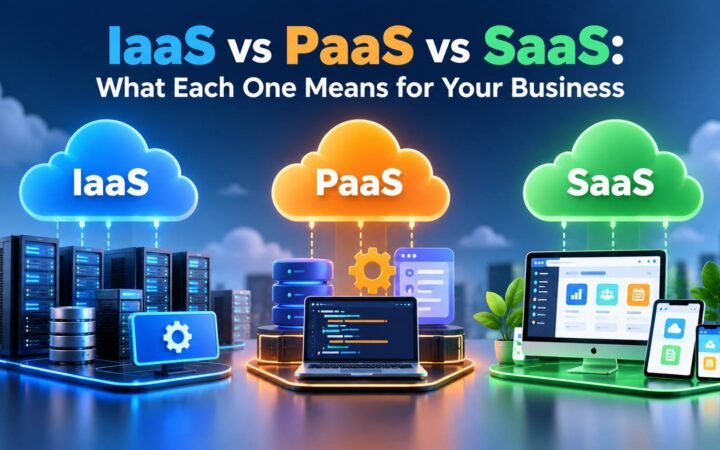

When people talk about IaaS, PaaS and SaaS, they are describing what kind of service you get. Public, private and hybrid describe something else: where that service runs and who else shares the hardware. The two ideas combine. You could run IaaS in a public cloud or in a private one.
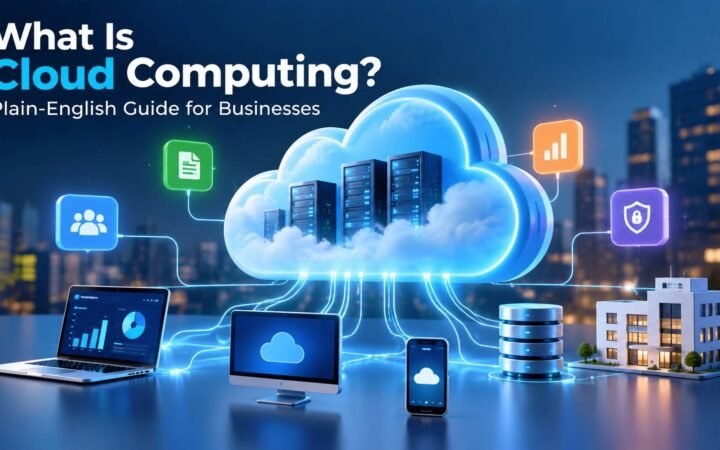
If the service models are new to you, start with our comparison of IaaS vs PaaS vs SaaS. If cloud computing itself is new, our beginner’s guide to cloud computing is the place to begin.
Public cloud
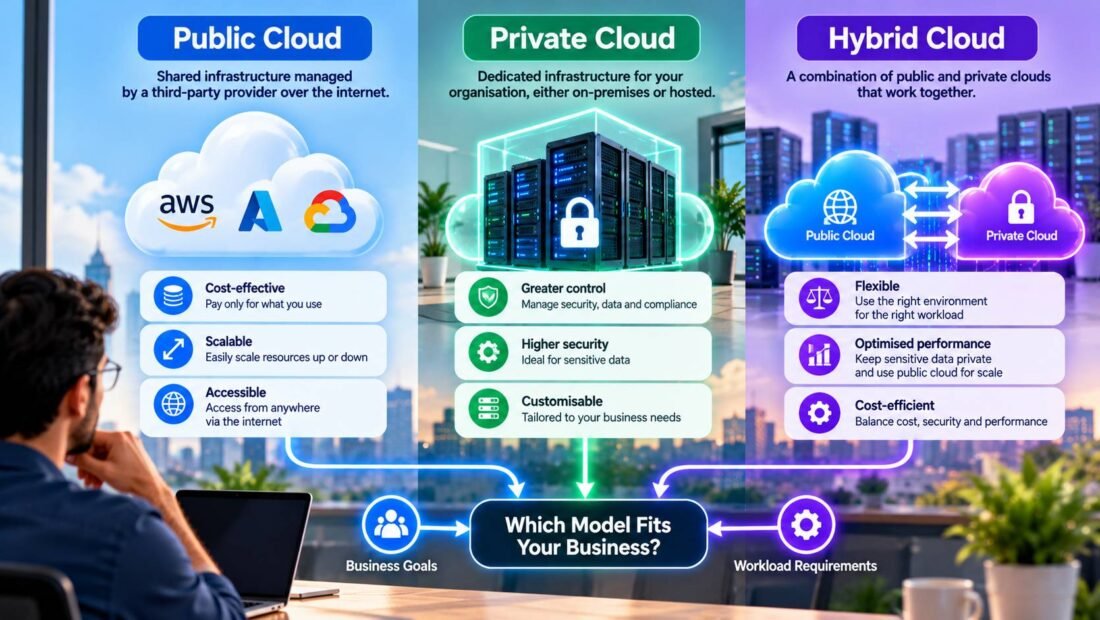
A public cloud is run by a provider that sells computing resources to anyone. Your data and applications sit on hardware shared with many other customers, kept separate by software. AWS, Microsoft Azure and Google Cloud are the largest public clouds. Almost every SaaS product you use runs on one of them.
Strengths:
- no hardware to buy, and you can start within minutes;
- practically unlimited capacity when you need it;
- the provider handles physical security, power, cooling and hardware failures;
- data centers in many regions, which helps with speed and data location rules.
Weaknesses:
- usage-based bills can be hard to predict;
- less control over the underlying hardware;
- some industries face rules about where data can sit and who can reach it.
Private cloud
A private cloud provides the same on-demand, self-service style of computing, but for one organization only. It can run in the company’s own data center, or a provider can host dedicated hardware on its behalf (often called a hosted or managed private cloud).
Strengths:
- full control over hardware, configuration and security;
- easier to meet strict compliance or data residency requirements;
- steady, predictable costs for steady workloads at large scale.
Weaknesses:
- high upfront cost for hardware and the staff to run it;
- capacity is limited to what you bought;
- you carry the work of updates, repairs and security.
A private cloud is different from simply owning a server. To count as cloud under the NIST definition, it needs features such as self-service provisioning and pooled resources. A single server in a cupboard is just a server.
Hybrid cloud
A hybrid cloud connects a private environment (or on-premises servers) with a public cloud, so data and applications can move between them. Cloudflare’s explanation of hybrid cloud gives more technical background.
Typical examples:
- a clinic keeps patient records on its own servers but runs its booking website in the public cloud;
- a manufacturer keeps factory control systems on site and sends production data to the cloud for reporting;
- a company runs normal workloads in-house and borrows public cloud capacity during peak periods, sometimes called cloud bursting.
Strengths: sensitive data stays under your control while everything else gets the flexibility of the public cloud.
Weaknesses: two environments to manage, connect and secure. Without careful setup, the connections between them become weak spots.
Multicloud is something different
Multicloud means using more than one public cloud provider, for example running your website on AWS and your data analysis on Google Cloud. It can be combined with hybrid, but the terms are not the same. Cloudflare’s multicloud guide covers the trade-offs.
Many small businesses are multicloud by accident: their email runs on Microsoft, their files on Google, and their store on Shopify. That is normal and not something to fix, as long as you know where your data is.
Comparison at a glance
| Public | Private | Hybrid | |
| Who uses the hardware | Many customers | One organization | Both |
| Upfront cost | Low | High | Medium to high |
| Ongoing cost | Varies with use | Steady | Mixed |
| Control | Lower | Highest | High where needed |
| Scaling | Fast and large | Limited by owned hardware | Flexible |
| Staff needed | Few | Many | Several |
| Typical user | Startups and SMBs | Banks, governments, hospitals | Mid-size and large firms |
Which model fits a small business?
For most small and mid-sized businesses, the answer is public cloud, usually through SaaS products. The cost and staff needed to run a private cloud rarely make sense under a few hundred employees.
A hybrid setup becomes worth considering when:
- a regulation or a large customer’s contract requires certain data to stay on your own hardware;
- you already own expensive equipment that has years of useful life left;
- you run machinery or devices on site that need very low delay, such as factory controls.
If none of these apply, keep it simple. Choose reputable public cloud services, switch on two-factor authentication, and focus on getting good value from the tools you have.
Frequently Asked Questions
Is a public cloud less secure than a private cloud?
Not necessarily. Large public providers invest heavily in security. Most public cloud breaches come from customer misconfiguration, such as storage left open to the internet, rather than from the provider.
Is Google Drive a public cloud?
Yes. Google Drive is a SaaS product running on Google's public cloud infrastructure.
Can a small business build a private cloud?
Technically yes, using software such as OpenStack or VMware on owned servers. In practice the cost and expertise required make it uncommon below mid-size companies.
What is a community cloud?
A cloud shared by several organizations with common requirements, such as government agencies or research institutions. It sits between public and private.
Does hybrid cloud cost more?
Usually, because you pay for two environments and the work of connecting them. It can save money when it lets you keep using owned hardware and only pay for public cloud capacity at peak times.