
Twenty years ago, buying business software meant a box with a disc in it, a license key and an installation that someone had to repeat on every computer in the office. Upgrades came every few years and usually cost extra.
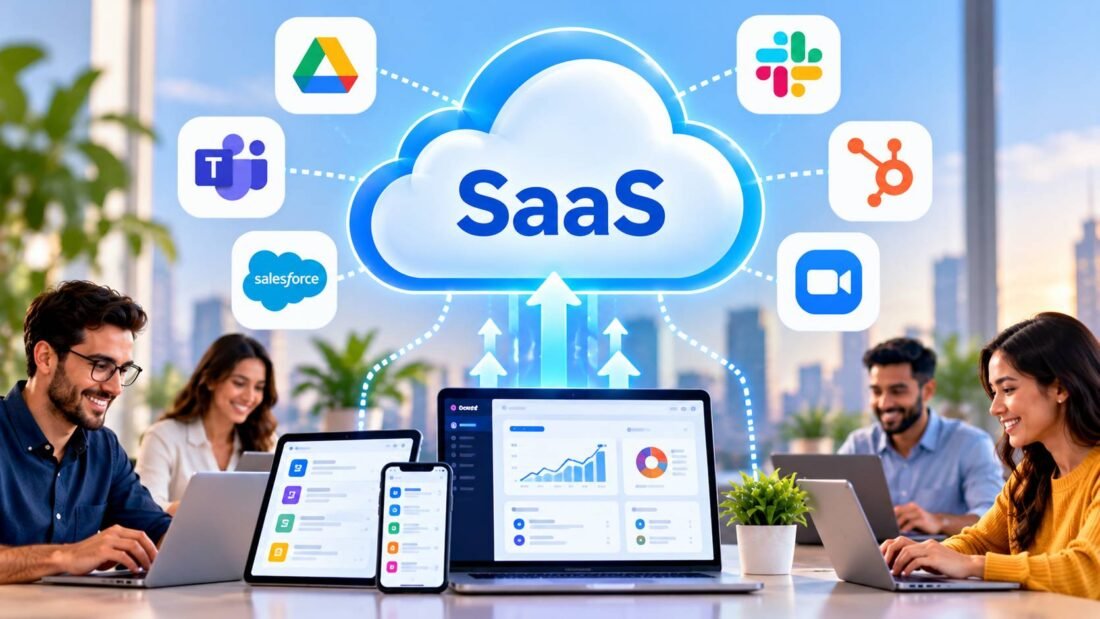
Software as a Service, or SaaS, replaced most of that. Instead of buying software and installing it, you pay a subscription and use it through a web browser or an app. The vendor runs it on their own servers, keeps it updated and stores your data.
SaaS is one of the three main cloud service models. If you want to see how it compares with the other two, read our comparison of IaaS vs PaaS vs SaaS.
How SaaS works behind the scenes
A SaaS company builds one application and runs it in a data center, usually on a large cloud platform such as AWS, Azure or Google Cloud. Every customer uses that same application. This setup is called multi-tenancy: many customers, called tenants, share one system, and the software keeps each customer’s data separate.
Because there is only one version, the vendor can ship improvements to everyone at once. When a new feature appears in your project management tool on a Tuesday morning, that is why. Nobody had to install anything.
Your part is small. You sign up, create user accounts for your team, set permissions and start working. Everything else, from servers to backups of the application itself, is the vendor’s job.
Everyday examples of SaaS
You probably use more SaaS than you realize. Grouped by job:
- Email and documents: Google Workspace, Microsoft 365
- Team chat and video: Slack, Microsoft Teams, Zoom
- Accounting: QuickBooks Online, Xero, FreshBooks
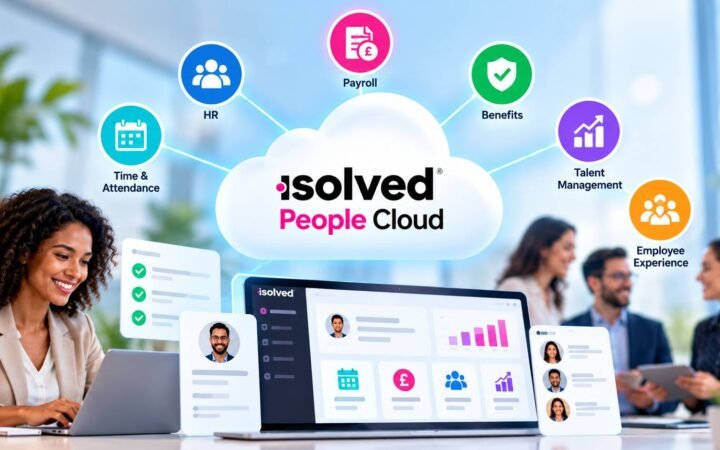
- Sales and customers: HubSpot, Salesforce, Pipedrive
- Online stores: Shopify, BigCommerce
- Design: Canva, Figma
- File storage: Dropbox, Box, Google Drive
How SaaS is priced
Almost every SaaS product charges a recurring fee, monthly or yearly. The most common structures are:
- Per user (per seat): a fixed price for each person with an account. Common for office suites and CRMs.
- Tiered plans: Basic, Pro and Enterprise, with more features at each level.
- Usage-based: you pay for what you consume, such as emails sent or contacts stored.
- Freemium: a free plan with limits, meant to lead you to a paid plan once you outgrow it.
Annual billing usually comes with a discount, often around two months free. It also locks you in for a year, so try the monthly plan first unless you are sure.
Why businesses choose SaaS
Fast to start
Most tools take minutes to set up. A new hire can be working in a shared system on their first morning.
Predictable cost
A subscription is easier to budget for than a large license fee plus surprise upgrade costs.
No maintenance
Updates, security patches and server problems are handled by the vendor. For a business without IT staff, this matters more than any feature list.
Access from anywhere
Because SaaS runs in the browser, it works the same on an office desktop, a home laptop or a phone. That is a large part of why remote and hybrid work became practical. Our guide to cloud computing basics explains more of the reasons.
The drawbacks
- Costs grow with your team. Ten tools at $15 per user is $150 per person per month. With 20 people, that is $36,000 a year.
- Limited customization. If the vendor does not support a workflow, you usually cannot add it.
- You depend on the vendor. If the service has an outage, raises prices or shuts down, you have to adapt.
- Data sits with a third party. You need to trust how the vendor stores and protects it.
What to check before you sign up
Before you put customer or financial data into any SaaS product, go through these points:
- Security evidence. Larger vendors publish a security page and can share an independent audit report. The most common one is a SOC 2 report, described by the AICPA’s guide to SOC reports. Some vendors also list their security practices in the Cloud Security Alliance STAR registry.
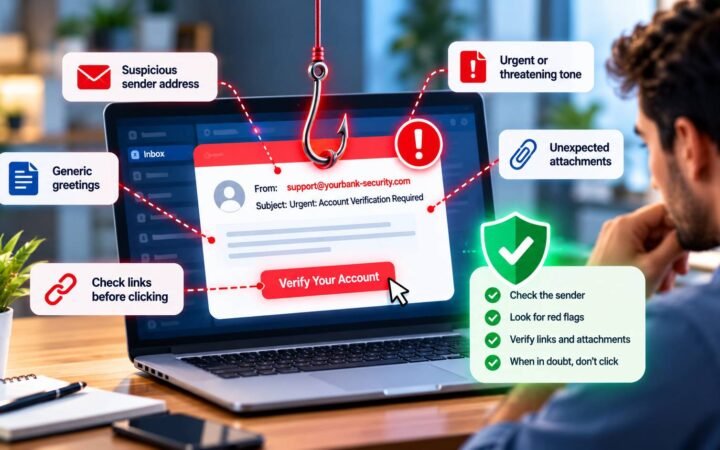
- Two-factor authentication. The tool should support it, and you should be able to require it for every user.
- Data export. Find out how to get all your data out in a usable format, such as CSV, before you need to.
- Where data is stored. This matters if you have customers in regions with privacy laws, such as the EU.
- Contract terms. Check the notice period for cancelling and whether the price can rise at renewal.
- Integrations. See whether it connects to the tools you already use, so data does not have to be typed twice.
SaaS vs traditional software
| SaaS | Installed software | |
| Payment | Ongoing subscription | One-time license, plus paid upgrades |
| Installation | None | On each computer or server |
| Updates | Automatic | Done by you |
| Access | Any device with internet | The computers it is installed on |
| Works offline | Sometimes, limited | Yes |
| Data location | Vendor’s servers | Your computers |
Installed software still makes sense for a few cases, such as heavy video editing or industries where data must never leave the building. For most everyday business work, SaaS has become the default.
Frequently Asked Questions
Is SaaS the same as cloud computing?
SaaS is one type of cloud computing. Cloud computing also includes IaaS (rented servers) and PaaS (platforms for running your own code).
Do I own SaaS software?
No. You pay for the right to use it while your subscription is active. You do own the data you put into it, which is why export options matter.
Can SaaS work without internet?
Some tools offer limited offline modes. Google Docs and Microsoft 365, for example, can work offline once set up. Most SaaS products need a connection for full use.
Is SaaS secure enough for financial data?
Reputable vendors can be very secure, and many accounting and banking tools are SaaS. Check for an independent audit such as SOC 2, require two-factor authentication and limit who has admin rights.
How many SaaS tools does a small business need?
There is no fixed number. Start with the essentials (email, file storage, accounting and a way to track customers) and add tools only when a real problem appears.