
A customer emails asking for a quote. You reply, they say they will think about it, and then nobody follows up because the email slid below 200 newer ones. Multiply that by a year and a lot of business quietly disappears.
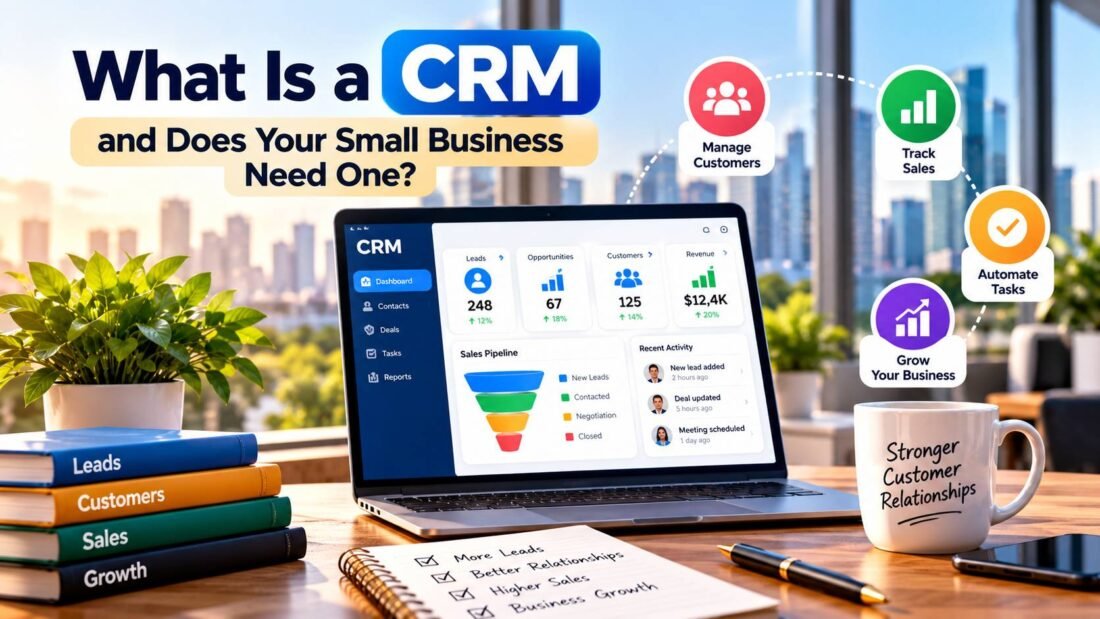
A CRM is software built to stop that from happening. CRM stands for customer relationship management. In practice it is a shared database of your customers and prospects, with every email, call, quote and follow-up attached to the right person, so nothing depends on someone’s memory.
What a CRM actually does
Different products emphasize different things, but almost all of them handle these jobs:
Contact records
One page per person and company, with contact details, notes, every past conversation and the deals linked to them. Anyone on the team can see the full history before picking up the phone.
A sales pipeline
A visual board of open deals sorted by stage, such as New lead, Quote sent, Negotiating and Won. You can see at a glance what is stuck and roughly what revenue is coming.
Tasks and reminders
“Call Maria on Thursday about the second quote.” The CRM reminds you, and if you are away, a colleague can see the task too.
Email tracking
Most CRMs connect to Gmail or Outlook so emails with a contact are logged automatically. Some also show whether a sent email was opened.
Reports
How many leads came in this month, where they came from, how long deals take to close and which salesperson wins the most. These numbers are hard to get from a spreadsheet.
Salesforce’s guide to CRM gives a broader view of how larger companies use these systems, including marketing and service features.
Signs your business needs a CRM
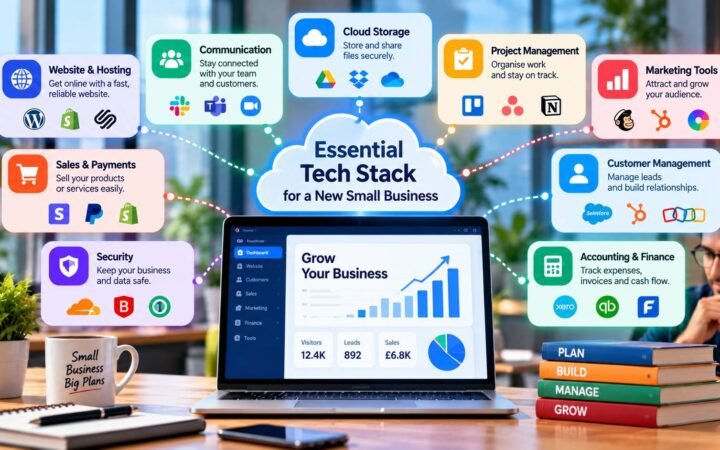
You do not need one on day one. Our guide to the essential small business tech stack suggests starting with a spreadsheet. These are the signs it is time to move:
- You have forgotten to follow up with a promising lead at least once this month.
- More than one person talks to customers, and you have had “I thought you replied to them” moments.
- Customer details are split across a spreadsheet, your inbox, your phone and a notebook.
- You cannot answer “how many quotes are open right now and what are they worth?” in under a minute.
- When someone goes on holiday, their customer conversations stop.
- You sell something with a sales process longer than one conversation, such as services, B2B products or projects.
If two or three of these sound familiar, a CRM will likely pay for itself within a few months through recovered follow-ups alone.
Spreadsheet vs CRM
| Spreadsheet | CRM | |
| Cost | Free | Free plans exist; paid plans per user |
| Email history | Copied by hand, if at all | Logged automatically |
| Reminders | None built in | Built in |
| Several people editing | Easy to overwrite each other | Designed for teams |
| Pipeline view | Manual | Drag-and-drop board |
| Reporting | Formulas you build | Ready-made reports |
Types of CRM
- Sales-focused CRMs center on the pipeline and deals. Pipedrive and Close are examples.
- All-in-one CRMs add marketing emails, forms, support tickets and more. HubSpot and Zoho CRM are examples.
- Industry CRMs are built for one type of business, such as real estate agents, gyms or law firms.
- CRM features inside other tools. Some invoicing, booking and email marketing tools include basic contact management that may be enough on its own.
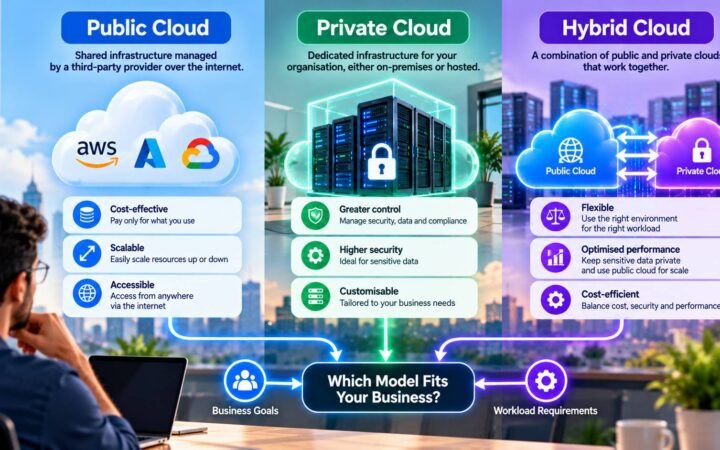
Nearly all modern CRMs are SaaS products: you log in through a browser and pay per user per month. See our explainer on how SaaS works for what that means for data and contracts.
How to start without overbuying
- Write down your sales steps as they happen today. These become your pipeline stages.
- Try a free plan from two products with your real process for two weeks.
- Import your contacts from the spreadsheet and connect your email.
- Agree on a few rules as a team, such as “every quote gets a follow-up task”.
- Pay for more features only when you use the basics daily. Unused automation and marketing add-ons are a common waste.
A note on customer data
A CRM holds personal information, so privacy rules apply. If you have customers in the EU or UK, GDPR covers how you collect, store and delete their data. GDPR.eu’s overview is a readable introduction. At a minimum, give users only the access they need, turn on two-factor authentication and remove contacts who ask to be deleted.
Published by BlowupCloud.
Frequently Asked Questions
What does CRM stand for?
Customer relationship management. The term covers both the software and the practice of managing customer relationships in an organized way.
Is a CRM only for sales teams?
No. Service businesses use them to track clients and projects, nonprofits use them for donors, and support teams use them to see a customer's full history.
Can I use a CRM by myself?
Yes. Solo consultants and freelancers often benefit the most, because they have no one else to remember follow-ups for them.
Are free CRMs any good?
Several free plans are quite capable for small teams. Check the limits on users, contacts and features, and how the price changes as you grow.
How long does it take to set up a CRM?
A basic setup with imported contacts and a simple pipeline takes an afternoon. Getting the whole team to use it consistently takes a few weeks of habit.